AI Chat Widget for Websites
An AI assistant for your website that stays available when you are not.
Conversent uses the context from your website and documents to handle routine questions, capture intent, and leave you a clear history and insights in the dashboard.

Completely free
No coding
Ready in 3 minutes
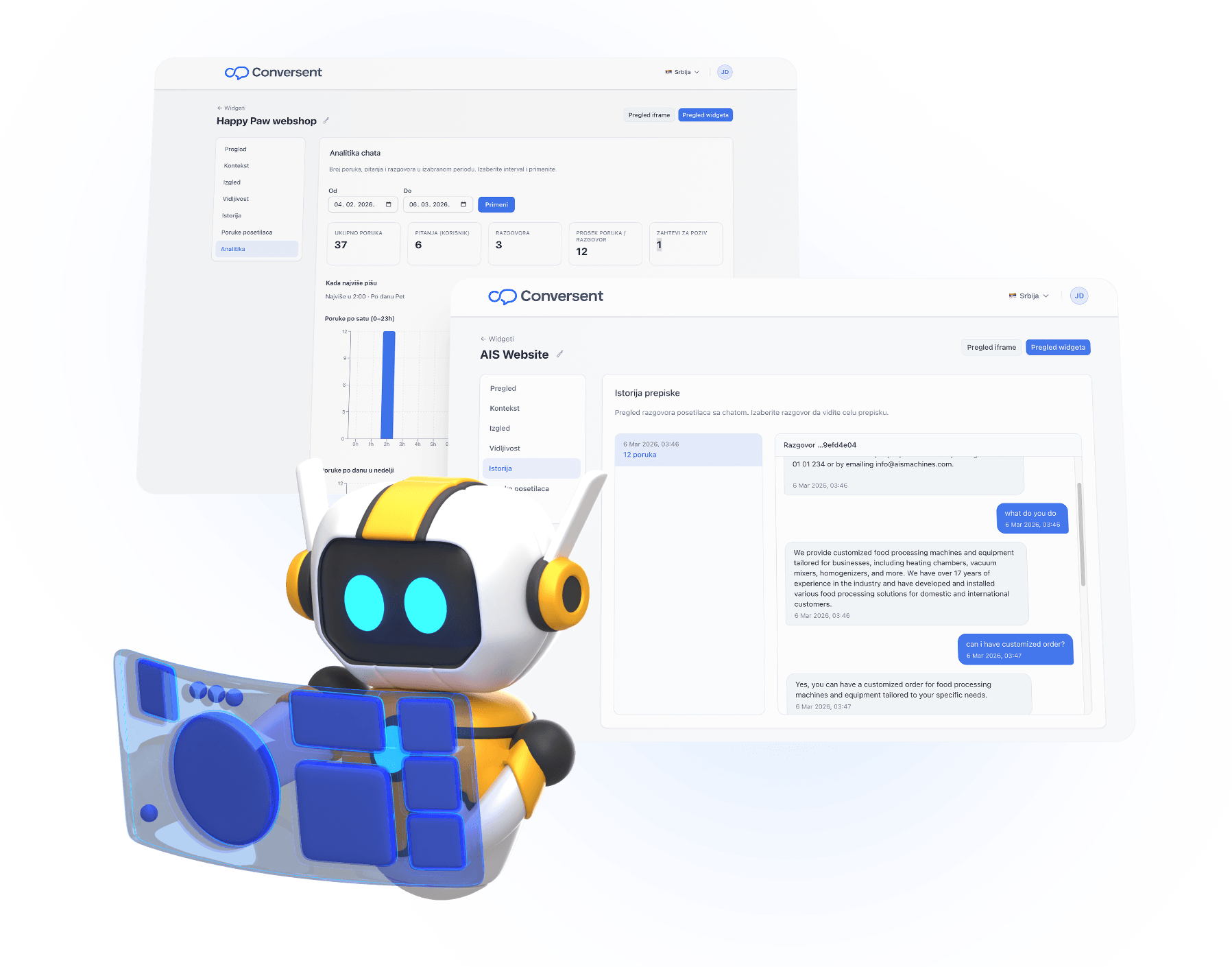
Works with any website platform
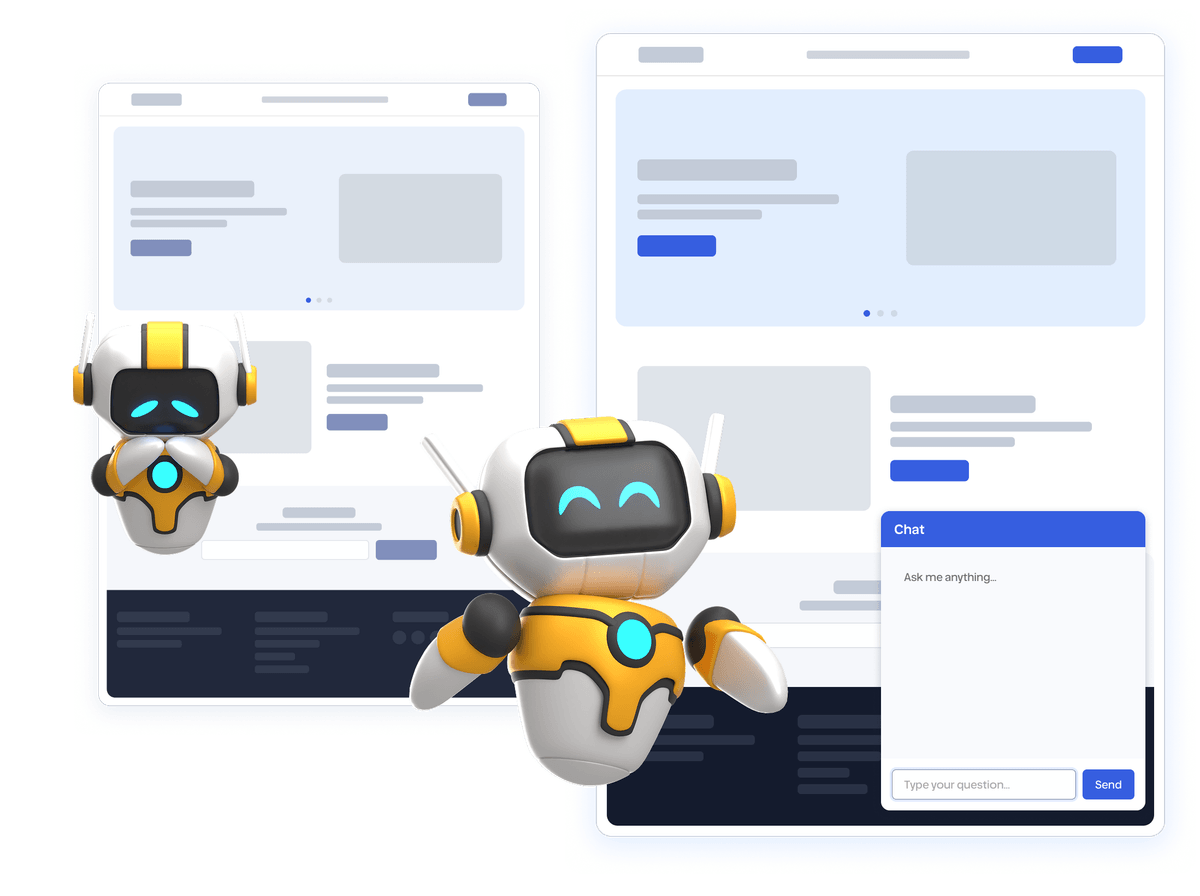
Visitors do not like waiting for an answer
When someone cannot quickly find what they need, they often move on. This is hard to see in standard analytics, but it shows up as fewer enquiries, lower conversion, and the same questions reaching your team again and again.
- Speed changes outcomesA lot of visitors leave if they cannot get basic information right away. When an answer arrives while they are still on the page, they are more likely to continue towards a purchase or contact.
- Email and forms arrive too lateAn email reply often comes after the moment has passed. You need a way to respond while the question is still fresh.
- Questions come in outside business hoursEvenings, weekends and meetings still bring visits and questions. If there is no reply then, some opportunities disappear without leaving a trace.
- Without visibility, you improve content by guessingIf you do not know what people keep asking and where they get stuck, it is difficult to improve your pages and offer. You need the recurring themes and the context behind them.

Benefits you get
Conversent is designed as a whole. One part supports visitors on the site, and the rest gives you history, requests and signals so you can make better decisions about content and your offer.

Accurate answers from your content
Answers are based on what you provide in the system, whether that is a PDF or content pulled from a URL. Visitors get information that matches your business, not random text from the web.

Integration in 60 seconds
Paste a short snippet and you are done. No waiting on a development team. It feels like setting up analytics, except you also get conversations and results in one place.

Your brand, your rules
Choose colours, position and when it appears so it feels like a natural part of your site, not a third party add-on.

Understand customer needs
Repeated questions are a signal that something is missing. Conversent tracks topics and patterns so you can see what people look for, where they get stuck and what stops them before they decide.

Request capture with full context
When someone wants a human reply or a call, they can leave a message or request a callback. In the dashboard you see who it was and what they asked before, without long forms that reduce completion.

Resolve routine questions instantly
A large share of repeat questions can be handled on the spot so your team spends less time on the same replies and more time on cases where a human touch changes the outcome.
Check what our clients are saying
A few of the teams with Conversent live on their site.
Fewer repeat questions in the inbox
“We were answering the same handful of questions over and over through the contact form. Now most of them never reach us, and the ones that do are the ones actually worth our time.”
Jovan
CEO
Ready in 3 minutes
Add a knowledge source
Give the assistant a link to your website or upload documents such as PDF or Word. It will read them and learn what matters for your business.
Adjust behaviour and look
Choose what happens when an answer is not covered in your content and set the appearance so it fits your site.
Add the snippet
Copy one line of code and paste it on your site. You do not need a developer. It is as simple as adding analytics.
Track what changes
From that moment you can see conversations, requests and the most common questions. It is not just a log. It is input for better pages and a clearer offer.
An AI solution that grows with you
Conversent helps you improve the business by using the context from your website and documents to handle routine questions at any time. In the dashboard you get conversation history and insights that show what is worth improving in your content and offer.

An assistant that knows your business
It answers from your context, including services, pricing and policies. Visitors get accurate information in your tone without waiting or made-up details.
Requests with context, without manual work
When there is intent, visitors can leave a message or request a callback. You get both the contact and the full conversation context so you can continue where it left off.

Routine on autopilot, team on the important work
Common questions are handled immediately, and edge cases reach your team with the history attached. That means fewer interruptions, faster support and a consistent experience.

Insights that guide improvements
Analytics and summaries turn questions into practical next steps. You can see what people ask most often, where they hesitate and what needs clarification.
Ready before you finish your coffee
There is no install and no complex setup. Paste the code before the closing body tag and your assistant is live.
Try it nowPricing
Simple and transparent. No hidden fees.
Frequently asked questions
No. You paste one script tag into your site. No backend or API keys required for your visitors.
Only from the documents and text you add in the dashboard. The AI does not use the open internet — so answers stay accurate and on-brand.
Yes. The widget can show "Leave a message" and "Request a callback." All requests appear in your dashboard so you can follow up.
Yes. You can show it on all pages, only on specific URL paths, or hide it on certain paths. You can also set a schedule (e.g. only during business hours, in the visitor's local time).
PDF, Word (.docx), Excel (.xlsx), and plain text. You can also add content by pasting text or by entering a URL — we fetch the main text from that page.
No. You can use the free plan without a card and without commitment. Sign up, create a widget, and try it — we don't charge you anything. When you're ready for more, you can upgrade to a paid plan.
Yes. Conversent integrates with any website — WordPress, Wix, Squarespace, Webflow, custom HTML, or any CMS. Just paste one line of code into your platform's header or footer. Instructions for popular platforms are in the dashboard.
All conversations and data are stored on secure servers in the EU. We use encryption in transit and at rest. We do not share your data with third parties. More details are in our Privacy Policy.
When you exceed the limit, the assistant will let visitors know you can respond later and offer them to leave a message. After a page refresh the chat disappears — visitors won't be able to use it until the limit resets or you upgrade your plan. You can upgrade your plan for more responses or wait for the reset at the start of the next month. You will never be charged without your consent.
Give visitors answers and keep the context for your team
Create a free account, add your content, and set it up on your site in minutes. You can review conversations and insights in the dashboard from day one.
No card required, ready in under 3 minutes